Using backend technologies, an API service was built to allow resource consumption across different services through GET endpoints.
The backend project is built in Laravel and is mainly composed of two parts: a real estate management system where the user can perform all property management tasks (CREATE, EDIT, DELETE), and the API service used by different clients to show property information in custom interfaces.
Features
Since the project includes both the API and the content manager, it provides the following general features.
- Real estate REST API: Includes an API that lets users filter properties by different attributes, mark properties as favorites, list properties by region, and view detailed property information.
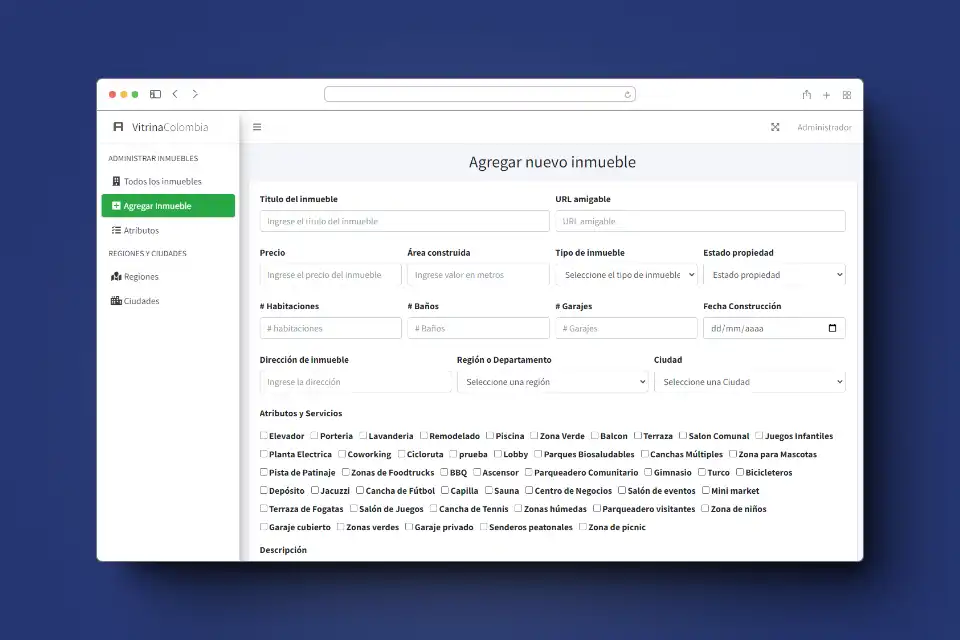
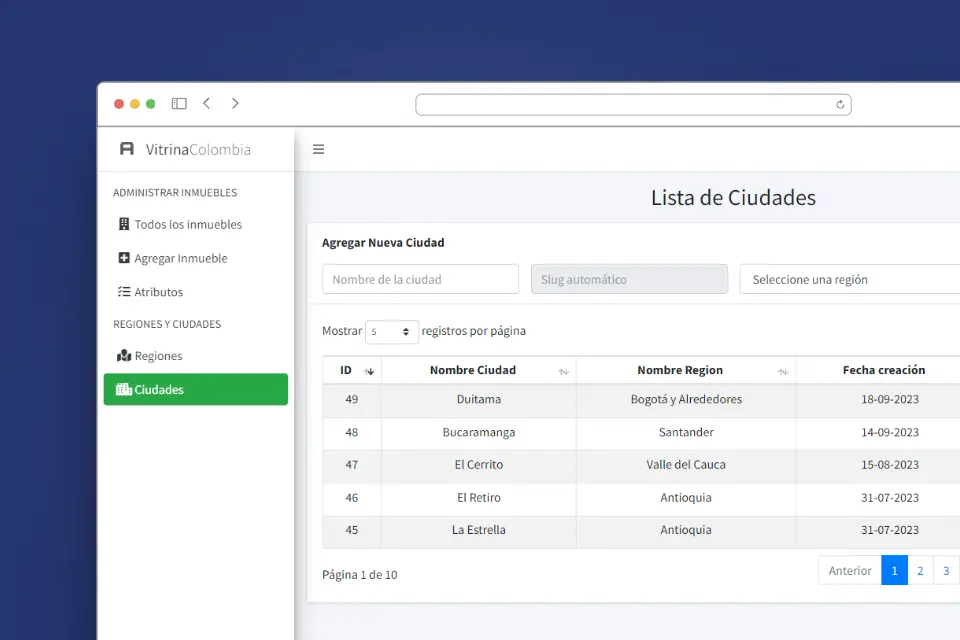
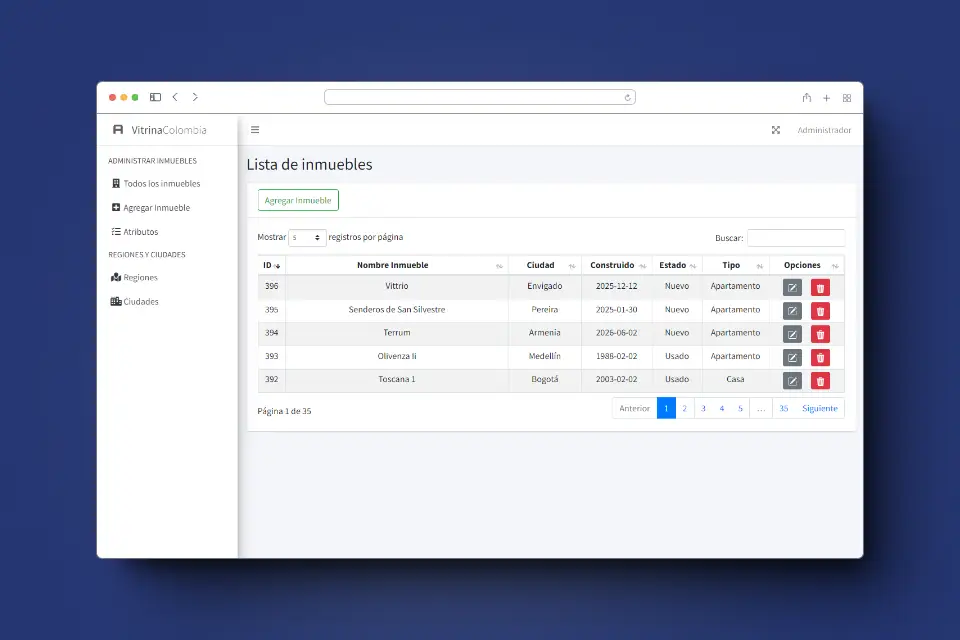
- Real estate CMS: A custom content management system built with Laravel that offers a simple interface to manage CREATE, EDIT, and DELETE operations. In addition to properties, other resources such as cities, attributes, or categories can also be managed.
- MySQL database: Data integrity is ensured by a robust database design with the relationships required for proper system operation.
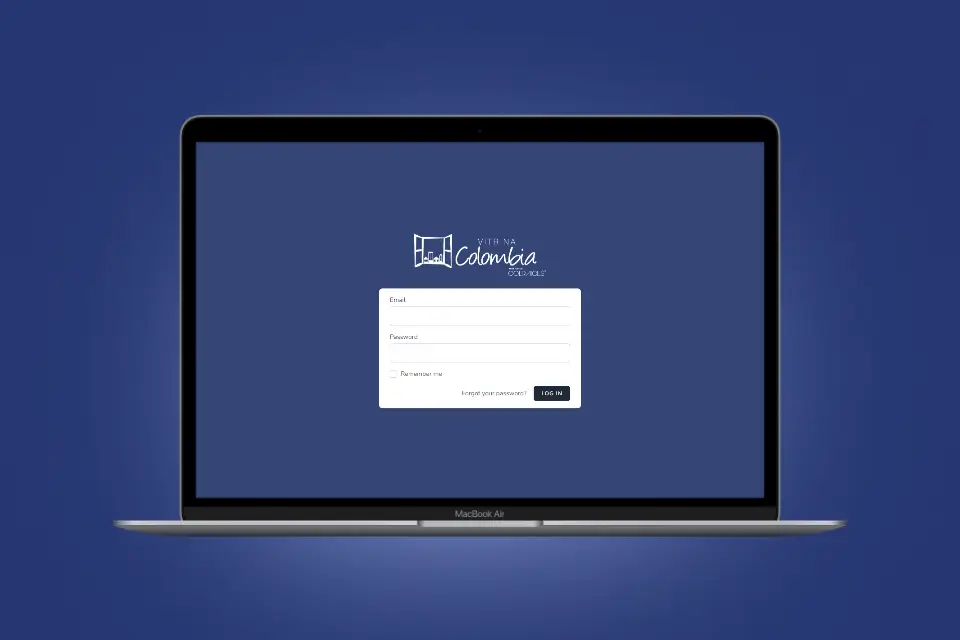
- Authentication and security: The CMS includes authentication and user role validation so unauthorized users are blocked from accessing or modifying sensitive information.
CMS preview
API documentation
Basic description of the API specification developed to consume the resources available in the Real Estate Portal. It details the specification for the available endpoints and methods.
Get property list
GET/api/v1/properties(Returns property list with basic data)
Parameters
No parameters
Responses
| http code | content-type | response |
|---|---|---|
200 | application/json | {"data": [...]} |
400 | application/json | {"code":"400","message":"Bad Request"} |
Example with fetch
fetch("/api/v1/properties")
 .then((response) => response.text())
 .then((result) => console.log(result))
 .catch((error) => console.log("error", error));
Get property detail
GET/api/v1/properties/{slug}(Detailed property specification)
Parameters
| name | type | data-type | description |
|---|---|---|---|
slug | required | string | Unique slug attribute for the property |
Responses
| http code | content-type | response |
|---|---|---|
200 | application/json | {"data": {...}} |
400 | application/json | {"code":"400","message":"Bad Request"} |
Example with fetch
fetch("/api/v1/properties/{slug}")
 .then((response) => response.text())
 .then((result) => console.log(result))
 .catch((error) => console.log("error", error));