Note: This blog post is a faithful copy of the original written and published by @midudev
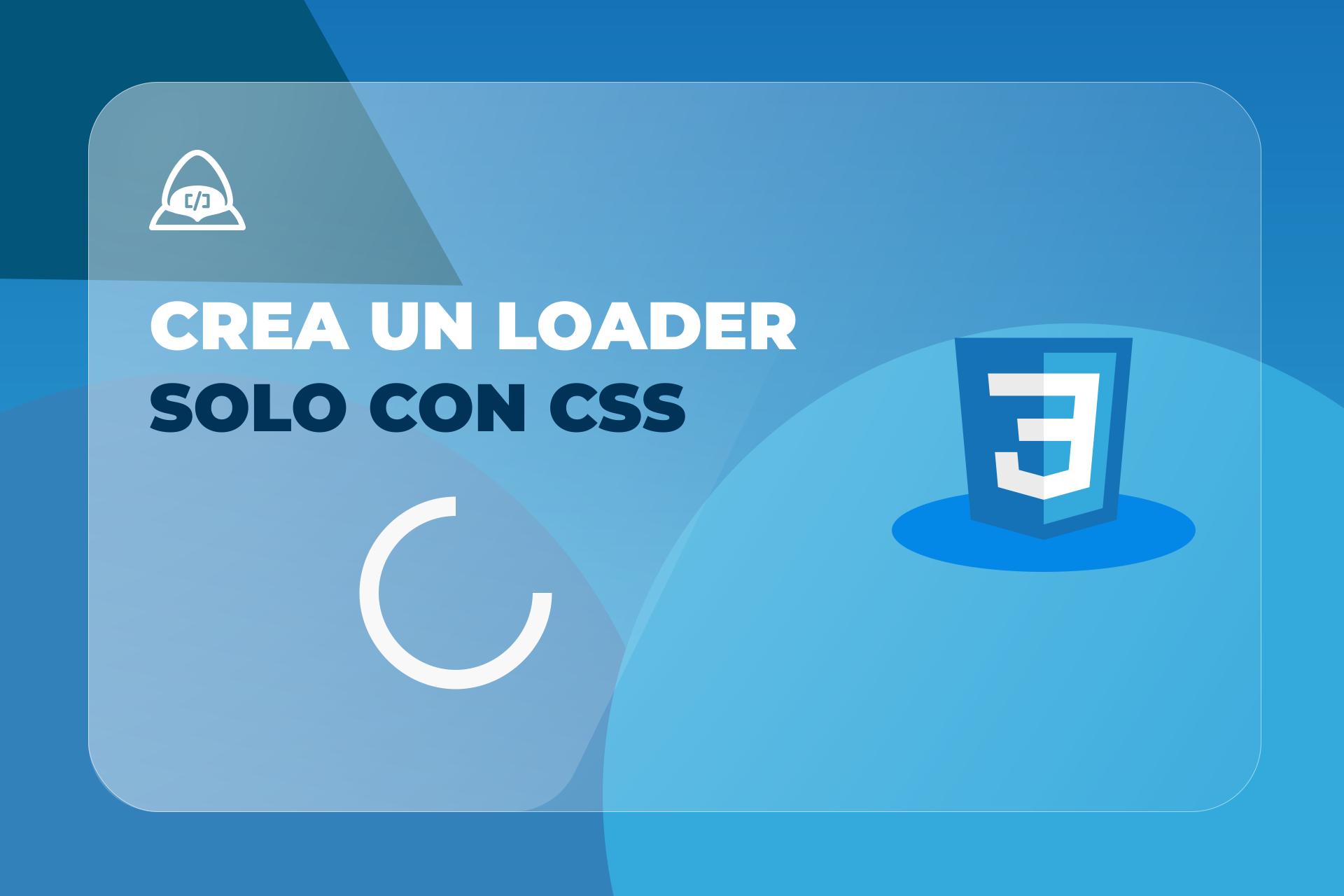
A spinner loader, or donut spinner, is a common element in applications because it indicates to the user that content is loading.
Below is how to create one with HTML and CSS in just a few lines of code.
Creating the spinner with HTML and CSS from scratch
First, create the spinner HTML:
<div class="spinner"></div>Then style this class with CSS.
First, add a border with 4 pixels and use a black color with high transparency. Make one side of the border transparent, and apply border-radius to curve the border.
.spinner {
  border: 4px solid rgba(0, 0, 0, 0.1);
  border-left-color: transparent;
  border-radius: 50%;
}
For the size, use a square with a 36px height and width.
.spinner {
  border: 4px solid rgba(0, 0, 0, 0.1);
  border-left-color: transparent;
  width: 36px;
  height: 36px;
}
Finally, add the animation. Name this animation spin, set it to one second, and use a linear timing function. Any timing function can be used at this point.
The important part is setting it to infinite so the animation repeats.
.spinner {
  border: 4px solid rgba(0, 0, 0, 0.1);
  border-left-color: transparent;
  width: 36px;
  height: 36px;
  animation: spin 1s linear infinite;
}
Now create the animation with @keyframes, starting at 0% and ending at 100% after a full rotation:
@keyframes spin {
  0% {
    transform: rotate(0deg);
  }

  100% {
    transform: rotate(360deg);
  }
}
That is it. With these lines of CSS, a basic loader can be implemented in interfaces.